If you’re a user of Windows 10 or 11 device which was setup without having registered a Microsoft account.
Then one of the more annoying things you have to deal with is nag screen which appears periodically asking you to finish setting your machine i.e. register with a Microsoft account
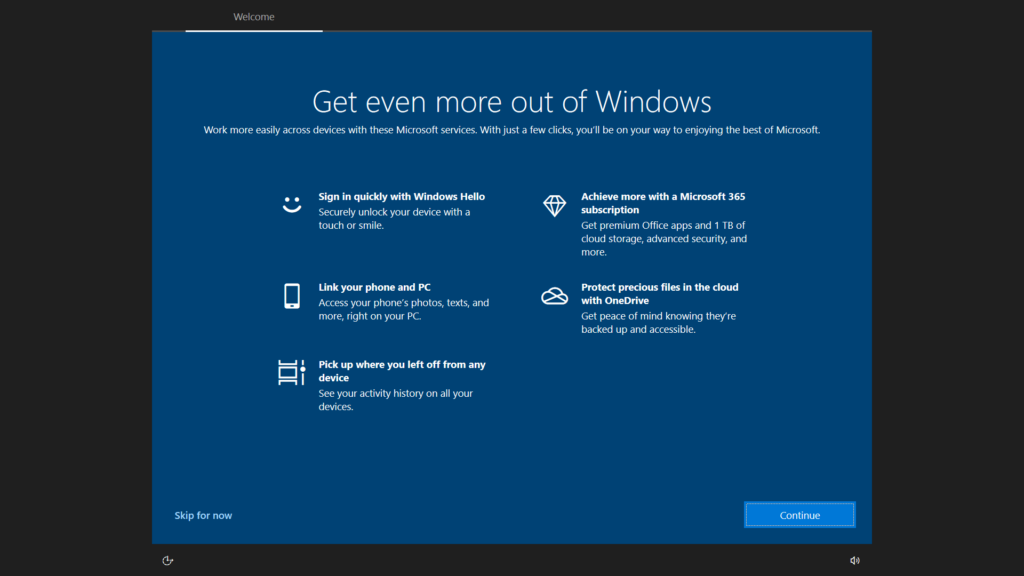
But the good news is that this can be disabled by doing the following steps:
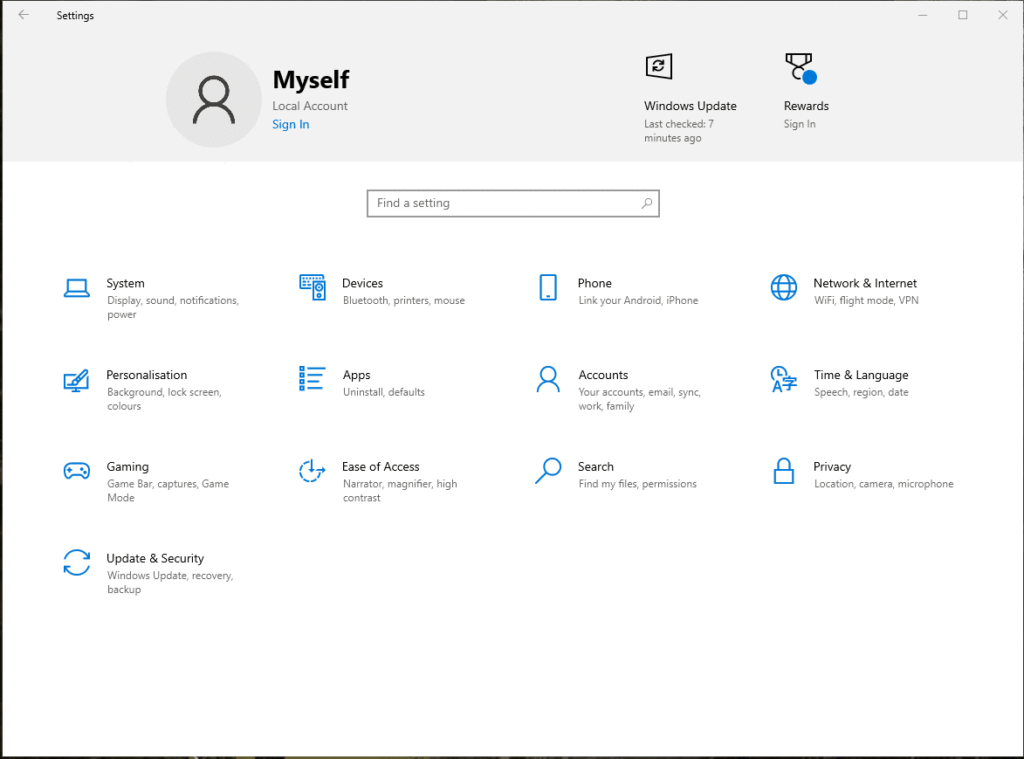
- Open the Settings page.
- Search for “Notifications and action settings” and select it.
- If the option “Suggest ways I can finish setting up my device to get the most out of Windows” is check, then uncheck it.